Usage Analytics
Roo Code Cloud provides comprehensive analytics to help you understand how your team is using AI, optimize costs, and measure productivity.
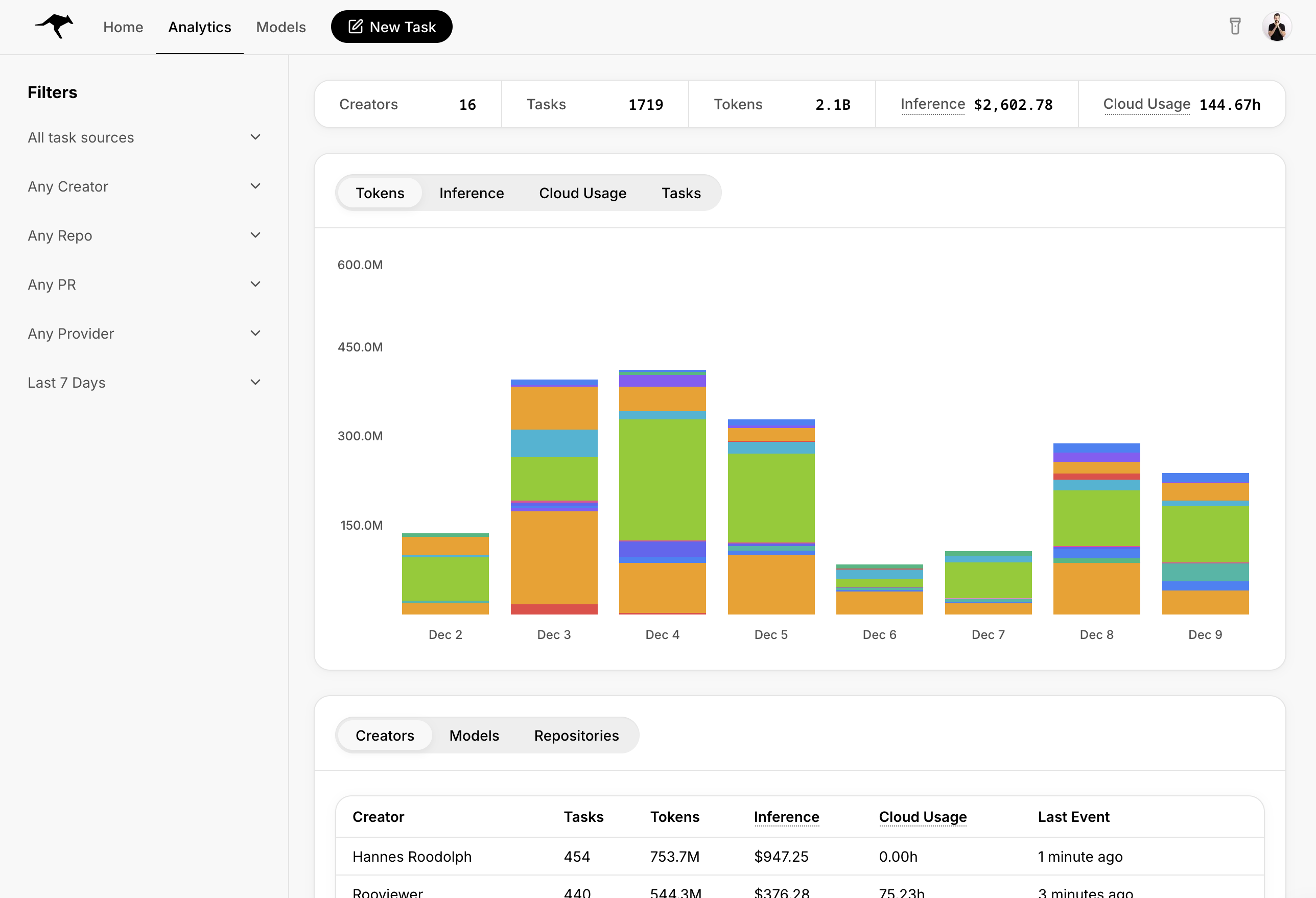
Access
Go to the Analytics tab in Roo Code Cloud.
Capabilities
With the UI controls available, you can slice and dice all of these together:
| Metrics | Aggregations | Filters |
|---|---|---|
|
|
|
What gets tracked?
- For Cloud Agents, all tasks are tracked and considered for analytics
- For the extension, only tasks you run while logged in and with Task Sync enabled get reported for analytics. You can turn off task sync so the contents of tasks aren't sent to Cloud, but usage numbers are always reported while you're logged into the extension. That allows you to keep the contents of certain tasks away from Cloud while still benefiting from usage analytics.